
Trainz Railroad Simulator 2022
 -84%
-84%- Genres
- Simulation
- Released
- 30 May, 2022
- Developer
- N3V Games
- Publisher
- N3V Games


Trainz Railroad Simulator 2022 price history
£33.50 today90-day low £33.50 (26 Oct 2026)Lowest recorded £33.5090-day average £33.50
Today's price is the lowest we've seen in the last 90 days. Cheapest UK-working PC key across the stores we compare, any edition; tracked since 26 Oct 2026.
About this game
Trainz 22 Platinum Edition
Trainz 22 Platinum Edition is now shipping with Surveyor 2.0, our new world building tools!
See Bundle Info
Trainz 22 Platinum Edition includes all 6 routes from Trainz 22 plus 5 additional routes and 21 locomotives! That's $395 WORTH OF CONTENT included in Trainz 22 Platinum!
Surveyor 2.0
S20 is the best way to create in Trainz!
S20 changes the way you create routes and sessions in Trainz! It streamlines your creation experience in so many ways and updates Trainz world building tools to a much more modern approach.
Route Creation Has Changed Forever!
Scrapbook is a major upgrade to the old Copy/Paste tools by way of painting, cloning and sharing.
Scrapbooks are a new Asset Type that provide the ability to copy and save a part of your route, then reuse that scene in other routes.
Add or Delete Multiple Baseboards
To add new baseboards, simply drag the Marquee off the edge of the existing baseboards, then select Set Marquee to Brush Height. This will create new baseboards at the current brush height.
To delete baseboards, drag over one or more existing baseboard edges then use Context Menu > Delete Baseboards Containing Marquee.
Multi Object Select & Update
The Marquee Tool is used to create a rectangular selection box. All of the objects within the Selection Area are selected, along with the Ground, any Effect Layers, and the Ground Textures.
Use advanced options and filters to make your selection, then move, rotate, delete and perform many more actions on that selection.
Move & Rotate
The gizmo is an important new concept in Trainz.
Gizmos can be used to move or rotate the selected objects, splines, terrain, and ground textures in any direction.
Each selected spline segment will display three gizmos - one for each vertex, and a single gizmo for the entire segment.
More Functionality For Selected Objects
When an object is selected, it is highlighted, and shows a Contextual Menu icon based upon the Asset Category.
Clicking the Menu Anchor will open the Contextual Menu, which lists a range of additional operations that can be applied to the selection. Different options are offered depending on the active tool and object types selected.
Introducing Palettes
S20 introduces a new system of Palettes that can each be moved, resized, minimised, shown, or hidden, so you can customize the layout of your workspace.
Palettes can provide detailed information about your selected objects, or a set of controls used to edit and manipulate everything within the world.
The Power of Content Manager In-Game!
The Assets Palette lists all the assets available to you to use in the Route you are creating. To quickly narrow down the list of assets, use the preset Category Filters by clicking on any of the Filter icons or select a custom list/picklist.
Advanced functionality helps find objects in your route by using clever filters like "Filter Selection" or "Filter Visibility" on the assets listed.
3D Thumbnails
Asset thumbnails can now be displayed in 3D within the Asset Palette. This provides you with the flexibility to choose between the traditional 2D thumbnails or the option to view each asset with a 3D thumbnail. This enhancement aims to assist you in easily identifying the assets that best suit your needs when creating your route.
And so much more...
Tools
The Tools Palette provides a range of powerful tools that can be used to build your Trainz world. No more single tool for a single asset type. Use one tool across multiple assets!
Layers Palette
List all route, session and effect layers to have them always in view and to show the current layer you are working in.
Brush
The Brush Tool is now multi-purpose and used to painting ground textures, effect layers, scrapbook assets and terrain manipulation. And your brush is now unlimited in size!
Eyedropper
Use the Eyedropper Tool to identify Assets in the 3D world, add them to picklists, get the ground height or instantly pick rolling stock, ground textures, scenery assets or splines and start painting or placing more.
Preview Palette
No more teeny tiny 3D asset preview window. The new Preview Palette allows you to resize and reposition it to always have a clear 3D preview of the selected asset.
Many Additional S20 features
Unlimited brush radius size, instantly see object and compass positions, easily find which layer you're working in or an object belongs to, perform bulk operations on multiple assets types and so much more!
Surveyor 2.0 - Online Guide & Videos
S20 How to Videos
S20 Online Guides
Trs22
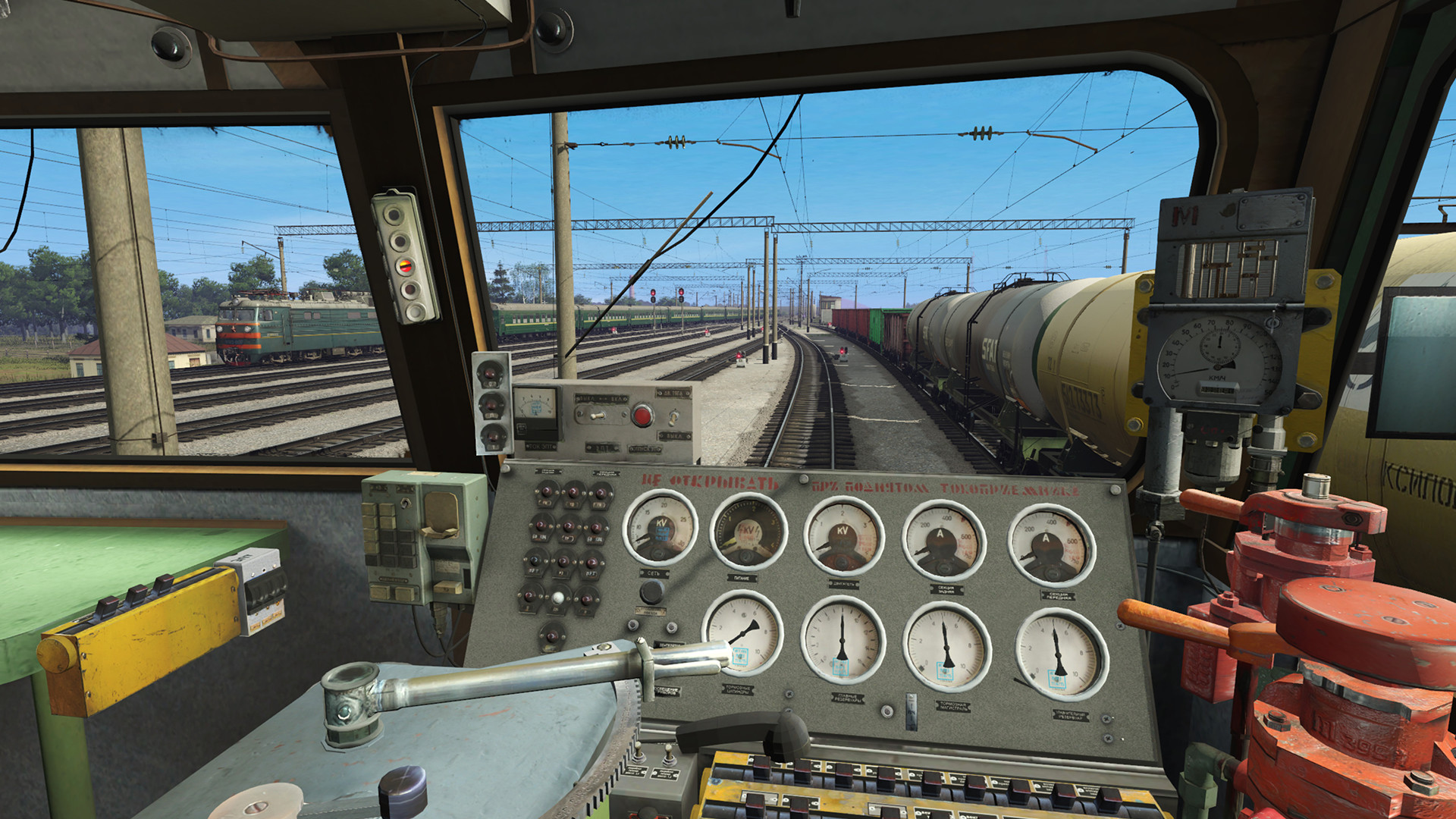
Trainz provides something for every train fan. TRS22 includes all the tools and content required to create and operate your own railroad, or you can drive on pre-built sessions and routes in either "simple" or "realistic" cab mode.
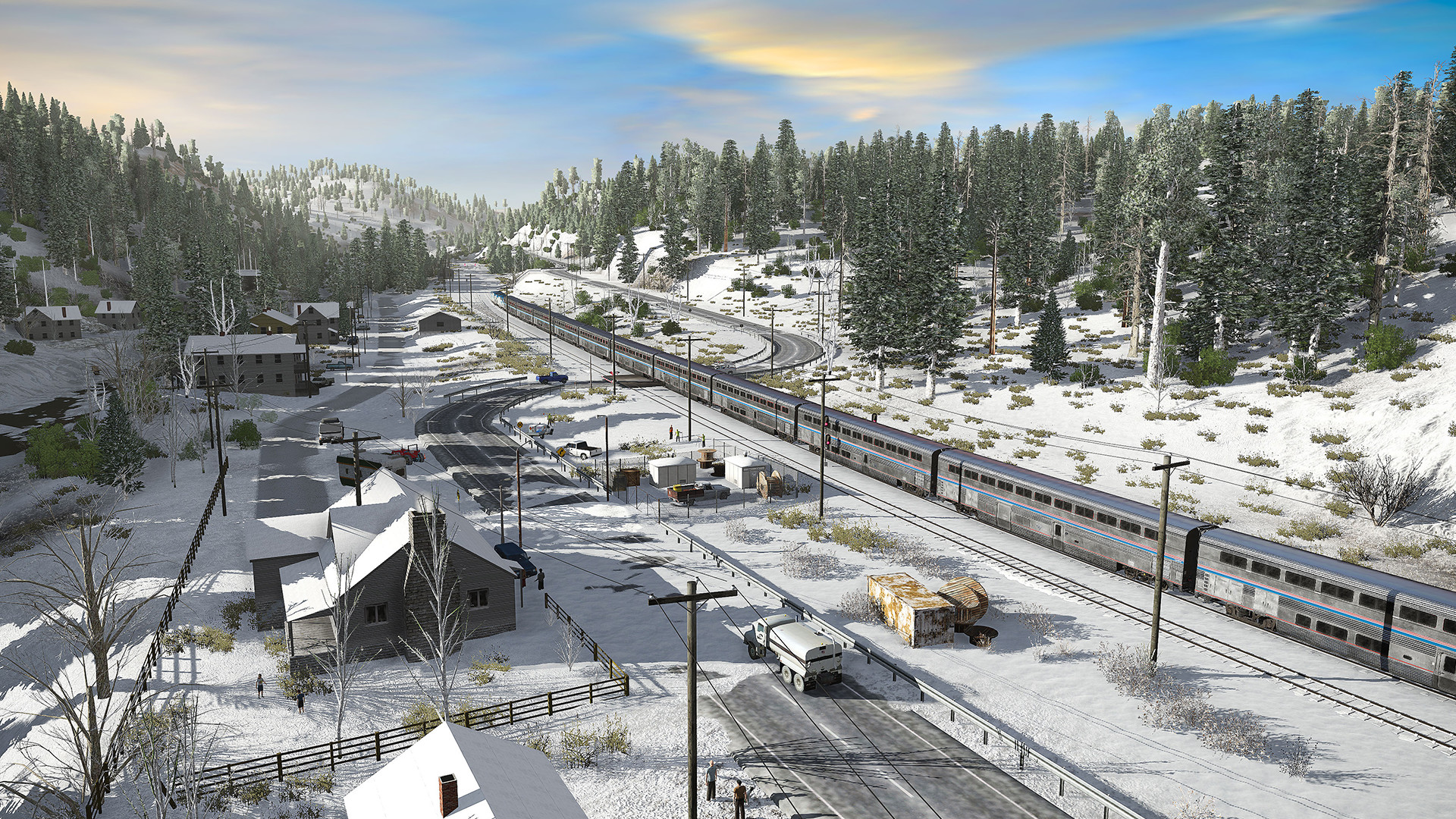
TRS22 includes five brand new routes, each with a range of new sessions and highly detailed new trains for you to enjoy.
TRS22 also delivers a brand new experience to Steam with "Multiplayer Surveyor" (MPS) allowing you to build and drive in a world you can edit online with friends. (Of course you can still build offline with our user-friendly Surveyor route editor too).
Want More From Trainz?
Check out our optional TRAINZ PLUS membership plans on the Steam Store.
Get new features, a huge list of Bonus Content, plus a First Class Ticket, all for a low monthly fee.
Trainz Railroad Simulator 2022 Features
1000S of Trains
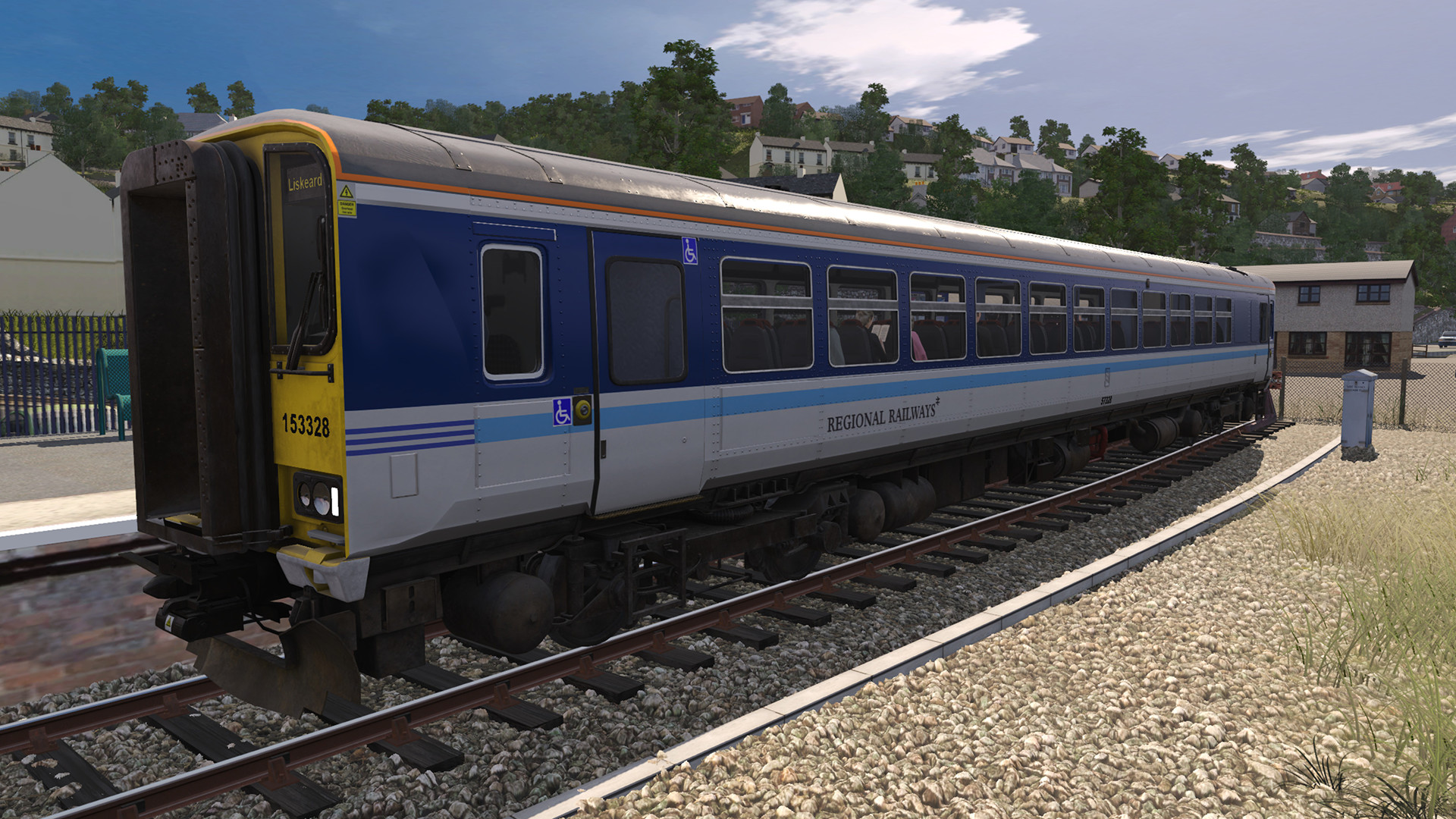
TRS22 includes over 400 train vehicles (locos, freight, passenger) just to get you started.
Then choose from almost 70,000 additional free locos, freight & passenger cars on the Trainz Download Station or purchase your favorites from the in-game Content Store.
Trainz Download Station includes a huge selection of train vehicles:
• Over 27,000 Locomotives
Trailer
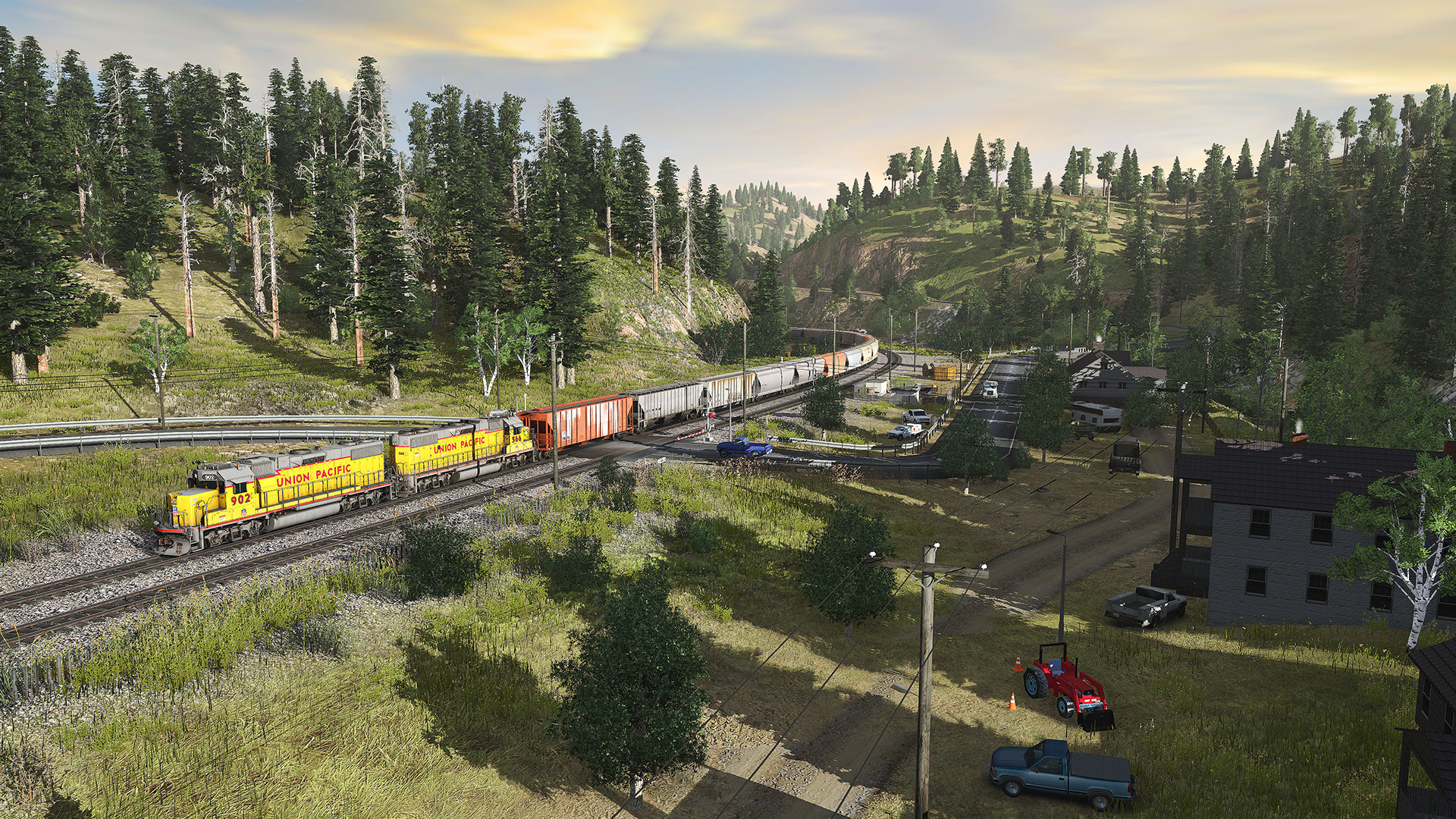
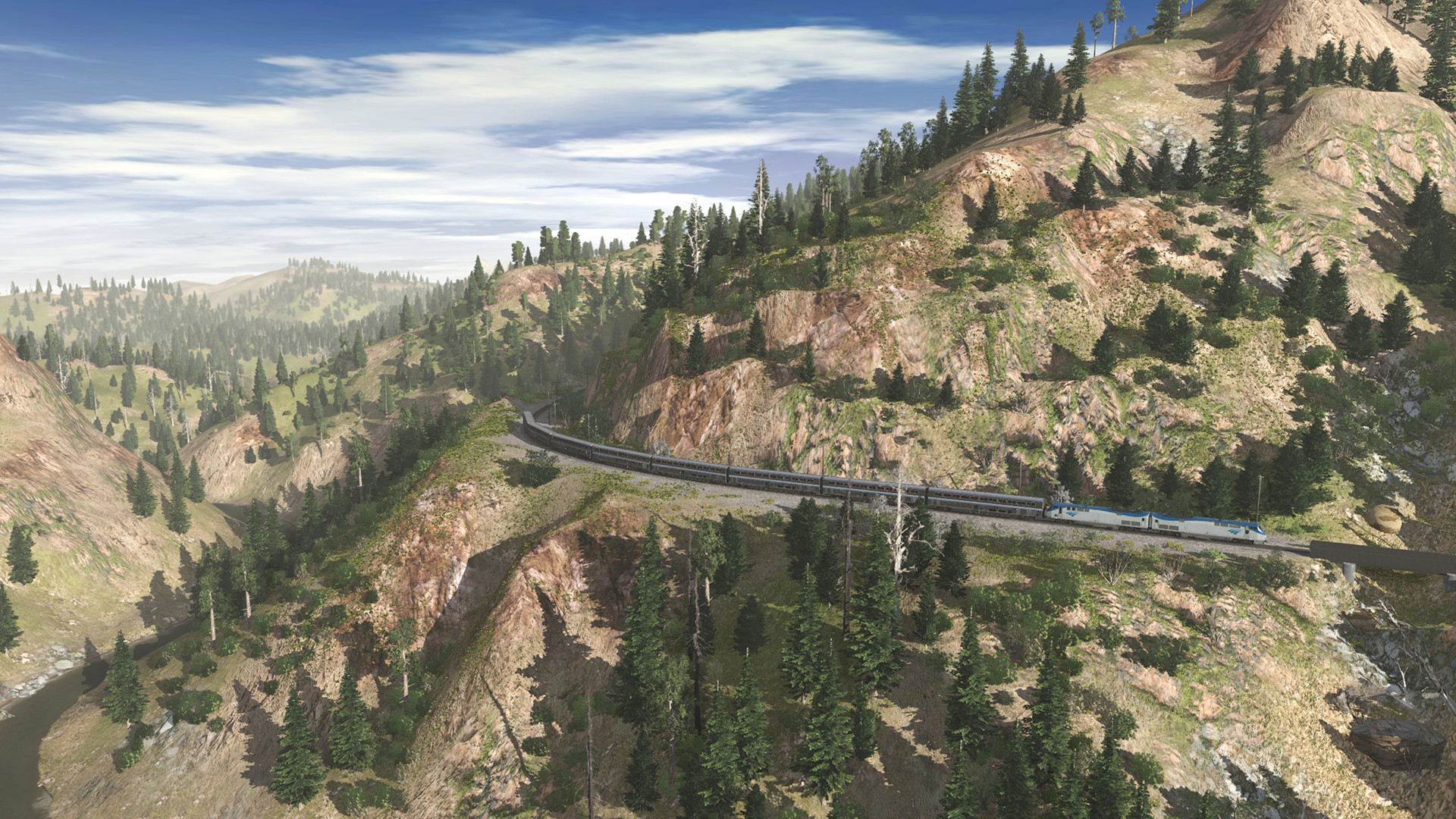
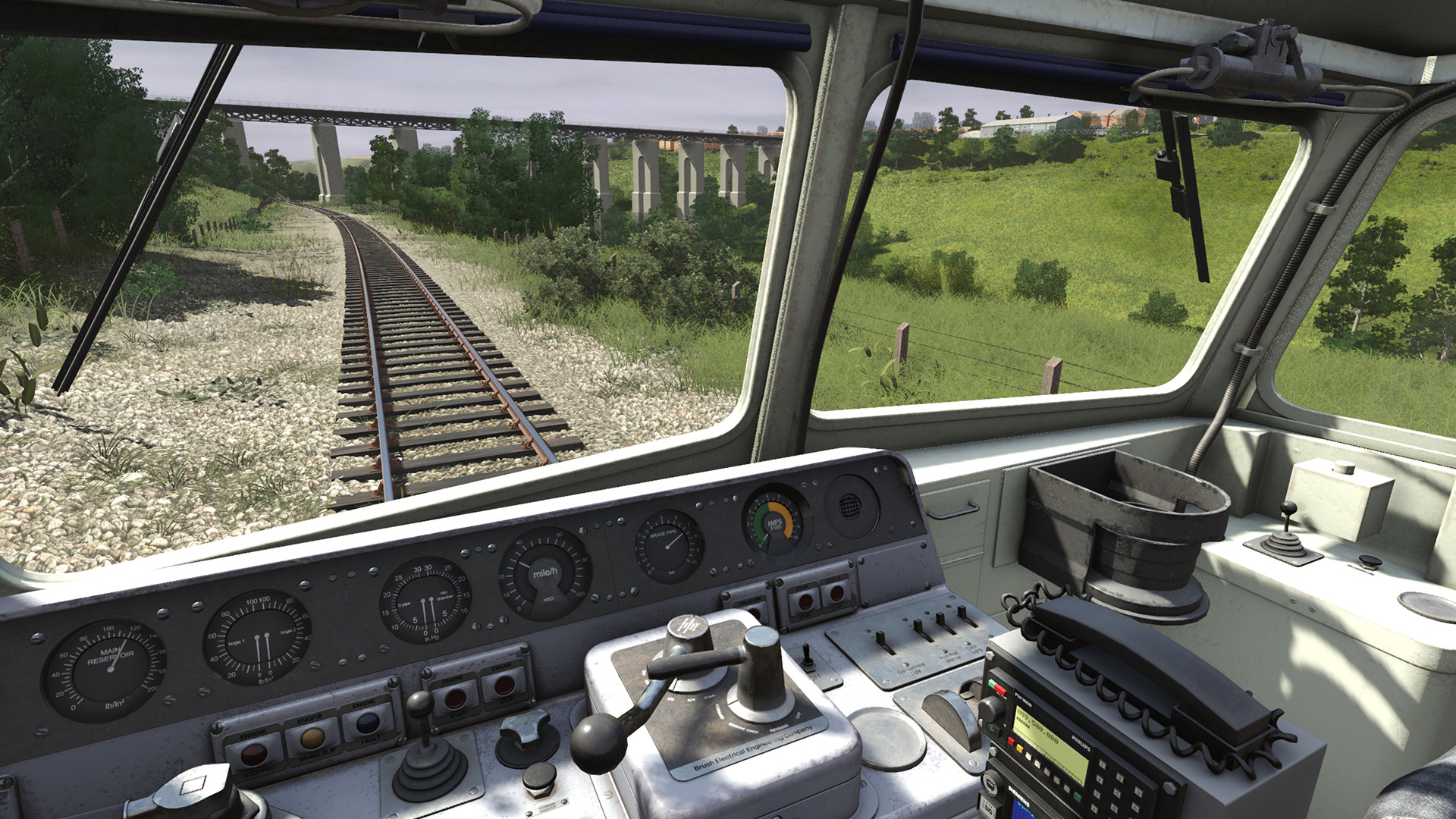
Screenshots


PC system requirements
Minimum
- OS *
- Windows 8 64bit
- Processor
- Intel i5 3GHz 64Bit Processor
- Memory
- 8 GB RAM
- Graphics
- NVIDIA GT 430 or better/ AMD ATI 5550 or better
- DirectX
- Version 11
- Storage
- 40 GB available space
Trainz Railroad Simulator 2022 prices: questions & answers
What is the cheapest Trainz Railroad Simulator 2022 price for PC?
The cheapest Trainz Railroad Simulator 2022 PC key right now is £33.50 at Steam. We compare 3 offers from 3 stores for PC, and prices update at least twice a day. Game accounts start from £4.79.
Cheapest price today: £4.79 at Kinguin (84% off, usually £33.50). We compare 3 stores for Trainz Railroad Simulator 2022, and prices update at least twice a day. Prices can change; the store's checkout price is final. Platform and region details come from each store's listing; the store's product page is final. Zemly may earn a commission if you buy through links on this site, at no extra cost to you (affiliate disclosure).